Tag: on-the-day stationery printing

  • RGB vs CMYK: A Canva Designer’s Guide to Print-Ready Colour

    RGB vs CMYK: A Canva Designer’s Guide to Print-Ready Colour

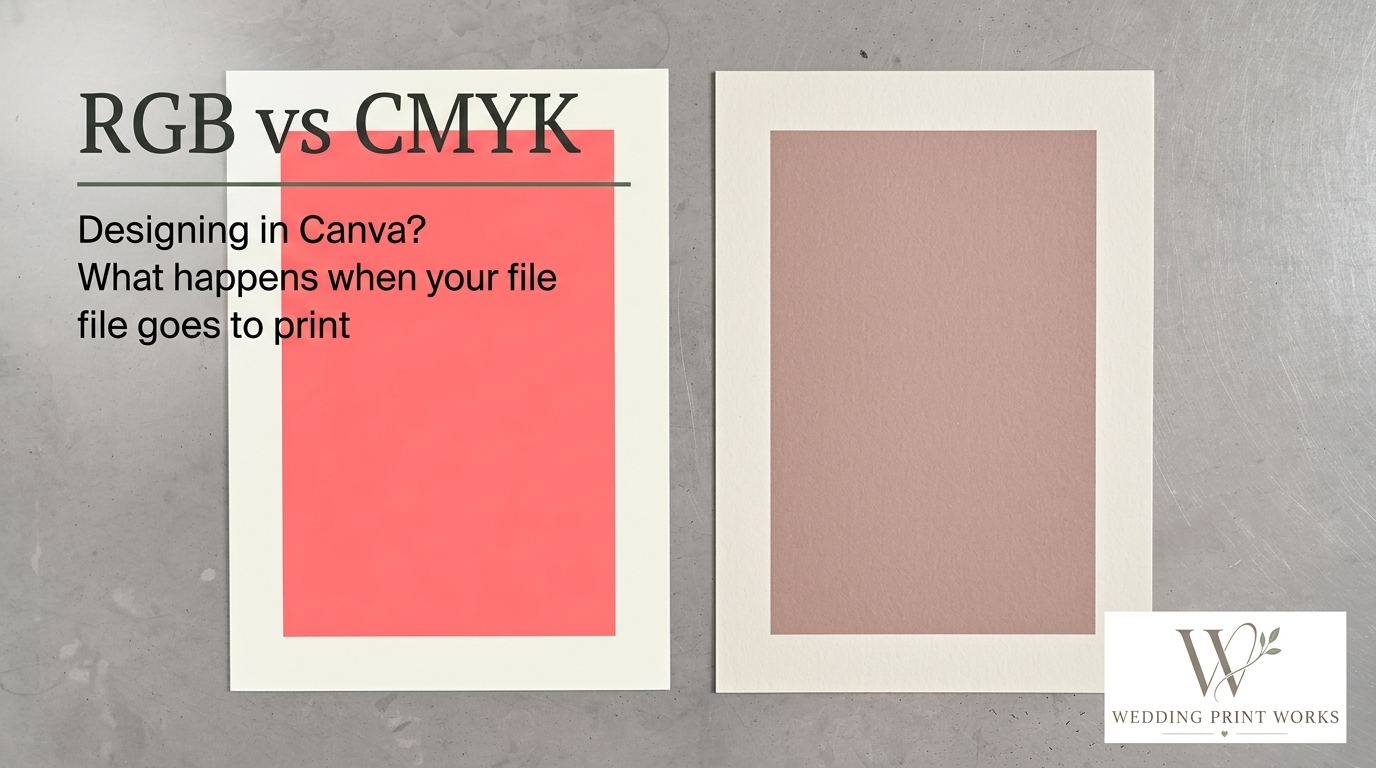
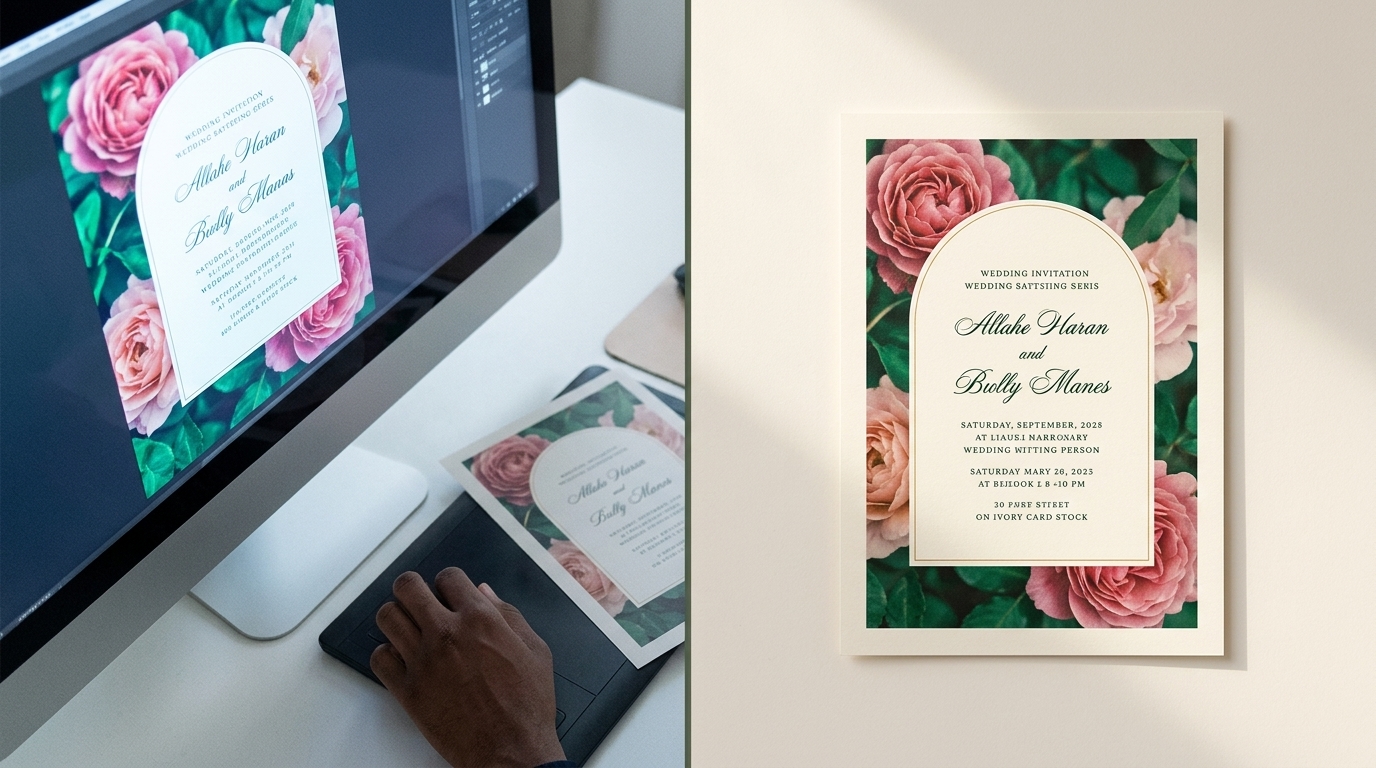
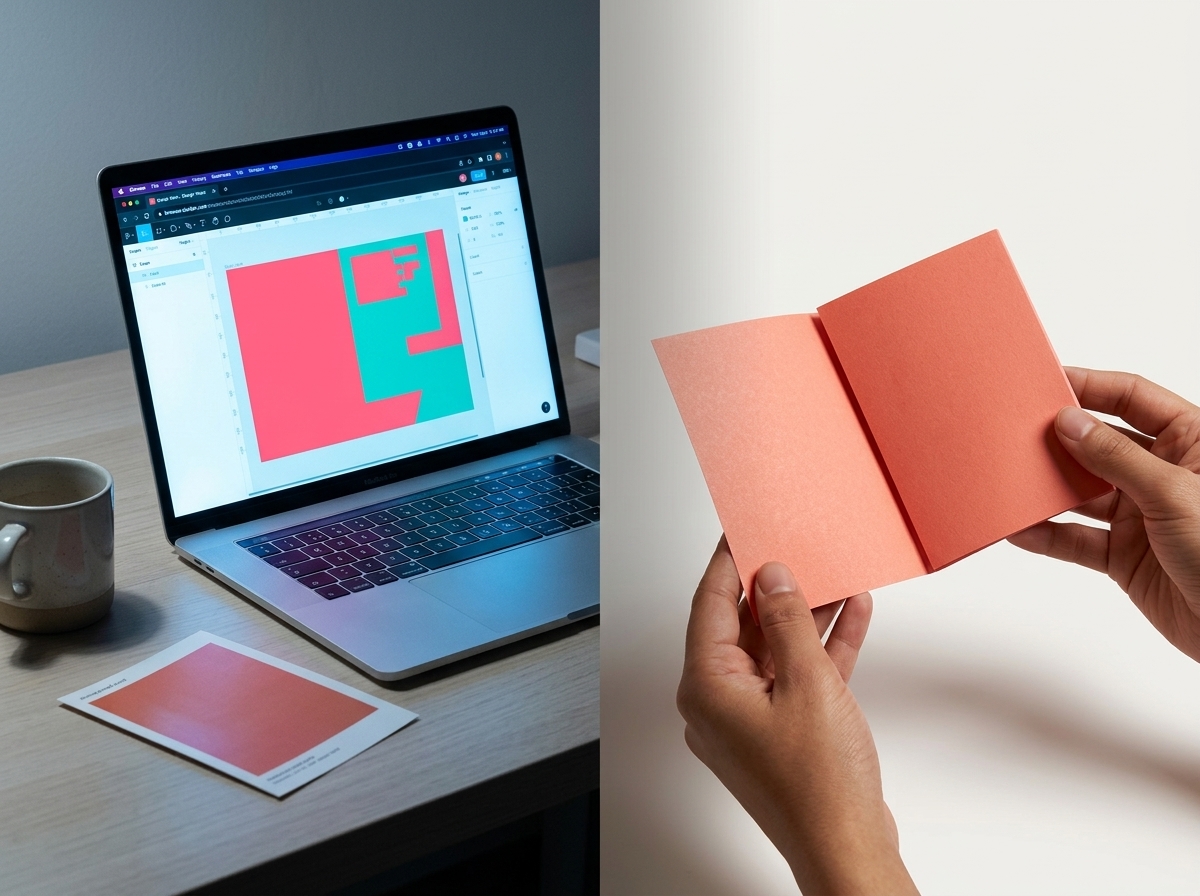
    A wedding invitation can look beautifully vivid on a Canva screen and print with softer, less saturated colours. That difference is often down to the way screens and print reproduce colour, but the file, paper and production process also matter. A few checks before you supply artwork can help you avoid surprises and make reprints more consistent.

    RGB and CMYK: what changes in print?

    RGB combines red, green and blue light to create colours on screens. CMYK uses cyan, magenta, yellow and black inks to reproduce colour on paper. Because a screen emits light while printed ink reflects it, the two systems cannot reproduce every colour in the same way.

    Some bright RGB colours, particularly vivid greens, blues and neons, sit outside the range that standard CMYK printing can reproduce. Converting them to a print colour space may make them appear less intense. The result also depends on the paper, ink and printing conditions, so changing a file to CMYK does not by itself guarantee a precise match to the screen.

    Preparing Canva artwork for print
    RGB vs CMYK: A Canva Designer’s Guide to Print-Ready Colour

    Before exporting, check the finished size, margins and any printer-specific file requirements. These details matter just as much as colour mode when you are preparing invitations, information cards or other coordinated stationery.

    Check the colour export options

    Canva’s available export settings can vary. When you download a PDF for print, check whether a CMYK colour profile is offered and follow the profile or file specification requested by your printer.

    If Canva does not offer the required setting, ask your print partner how they want the file supplied. Converting a PDF in other software can change colours and should not be treated as a guaranteed correction. If you do convert the file, inspect the result before sending it to production.

    Export a print-ready PDF

    PDF Print is generally the appropriate Canva export for printed stationery. Whether to include crop marks and bleed depends on the printer’s requirements, so check before selecting those options. Crop marks are not needed for every workflow, and a file with the wrong marks or page setup can cause confusion.

    Allow for bleed and keep important details clear of the trim

    Bleed is artwork that extends beyond the finished cut edge. It helps prevent an unprinted white sliver if the sheet shifts slightly during trimming. The amount required is set by the printer; 3 mm is common, but it is not a universal specification.

    Keep text, names, dates and other essential details comfortably inside the trim area. For shaped stationery, such as an arch or scalloped edge, confirm the finished dimensions and cutting requirements with your printer before laying out the design.

    How to improve colour consistency
    RGB vs CMYK: A Canva Designer’s Guide to Print-Ready Colour

    A monitor preview is not a reliable proof of the final printed colour: screens vary in brightness and calibration, and the paper affects how ink appears. For colours that are central to a client’s design or brand, discuss the options with your printer before committing to a full run.

    • Use a printed proof or sample where appropriate. It gives you a more useful reference than a screen preview, although the final production result can still vary slightly.
    • Keep a record of approved artwork and specifications. This makes repeat orders easier to manage and compare.
    • Check the supplied PDF at actual size. Look for unexpected colour changes, missing elements, low-resolution images and text too close to the trim.
    • Tell your printer about colour-critical details. A reference image or description can help explain what matters, but it is not a substitute for an agreed print specification.

    Working with a trade printer

    A trade printer can advise on file preparation, colour settings and the practical requirements for producing your stationery. Ask what format and colour profile they accept, how they want bleed set up, and whether a proof is available for your job. This is especially useful when developing a new design or ordering a large quantity.

    Wedding Print Works is being developed as a production partner for wedding stationery designers and businesses. Trade wedding stationery printing can let you keep your own brand and client relationships while outsourcing physical production, leaving more time for design, marketing and customer service.

    Frequently asked questions

    What is the difference between RGB and CMYK?

    RGB creates colours with light for screens. CMYK uses four printing inks to reproduce colours on paper. The two systems have different colour ranges, so some screen colours cannot be matched exactly in print.

    How do I export a Canva design for printing?

    Download the artwork as a PDF Print and follow your printer’s instructions for colour profile, bleed and crop marks. Canva’s export options can vary, so check what is available in your account and confirm the required settings with your printer.

    Why do printed colours look different from my Canva design?

    A screen emits light, while printed ink reflects light from the paper. Screen settings, the printable colour range, paper choice and print conditions can all affect the result. A proof or sample can help you assess colour before a larger order.
  • Trade Printing vs Printing Wedding Stationery Yourself: The Point Where DIY Starts Holding You Back

    Trade Printing vs Printing Wedding Stationery Yourself: The Point Where DIY Starts Holding You Back

    Printing wedding stationery in-house can be a sensible way to start. With a small number of orders, producing, trimming and finishing each item yourself gives you direct control over the process and avoids investing in outsourced production before you need it.

    As orders increase, though, the balance can change. Time spent preparing stock, printing, trimming, checking and packing is time you cannot spend on design, marketing or customers. The question is not just whether you can print an order yourself, but whether doing so is still the best use of your time and resources.

    Here are some signs that it may be worth considering a trade wedding stationery printer.

    When in-house printing works well

    Producing stationery yourself can be a useful way to learn how different papers, print methods and finishing choices affect the final result. It can also suit a business with modest order volumes, a straightforward product range and equipment that meets its needs.

    The pressure tends to build when production starts to dictate what you can sell. If you are choosing products around the limits of your equipment or available time, rather than around your designs and customers’ needs, it may be time to review your process.

    Signs you may be outgrowing DIY production

    Production is taking too much of your working week

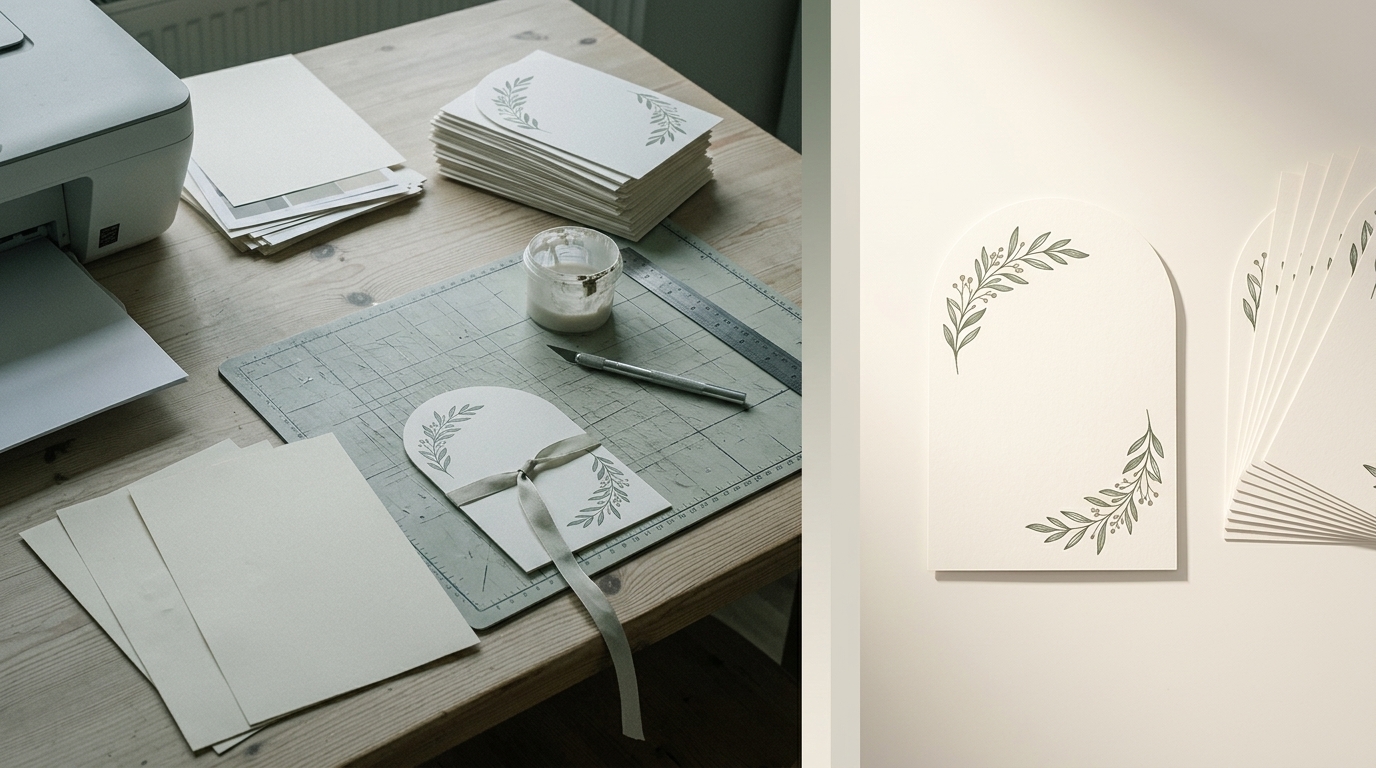
    Printing is only one part of making an order. You may also need to prepare and handle stock, trim or crease pieces, check the results, sort and count the items, pack them and sometimes reprint work that has not come out as intended.

    Those tasks can add up across several orders, particularly when weddings have overlapping schedules. If manufacturing is taking time away from design, customer communication or business development, outsourcing some production may give you more room to focus on those activities.

    Your equipment is limiting your product range

    A desktop printer may be well suited to some products, but a wedding stationery range can include different paper or board weights, sizes, folded pieces and shaped designs. Finishing requirements can vary too.

    Producing these options consistently may require equipment you do not own. Buying machinery for a process you use only occasionally may not be practical. A trade printer can give you access to production options without requiring you to invest in every piece of equipment yourself. Check which stocks, sizes, shapes and finishes a supplier can accommodate before offering them to customers.

    Repeatability is becoming harder to manage

    Customers expect the pieces in an order to look consistent, and designers may need to produce matching stationery at different stages of the planning process. As volumes grow, it can become more challenging to keep print, trimming and finishing consistent using an in-house process that is difficult to repeat.

    A trade partner may have established production processes suited to repeat work. It is still important to agree a clear specification and check how the printer handles reorders and any changes to artwork or materials.

    You are turning down work or limiting orders

    If you have demand for more stationery but cannot fit the production into your schedule, your own capacity may be restricting sales. This can be particularly noticeable during busy periods, when you may have to extend lead times, limit the orders you accept or avoid larger jobs.

    In that situation, compare the cost of outsourcing with the value of the work your current production capacity prevents you from taking on. The cheapest cost per sheet is not necessarily the most useful measure.

    What changes when you use a trade printer?

    Trade printing as an option for wedding stationery designers

    Outsourcing production does not mean handing over your brand or your customer relationships. You remain responsible for your designs, product range and customer service; the printer manufactures the physical stationery to an agreed specification.

    Typically, you provide print-ready artwork and details such as the required stock, size and finishing. Before placing an order, confirm the supplier’s file requirements, available options and process for checking the specification.

    More time for design, sales and customers

    Running a stationery business and running a print operation are different jobs. As order volumes grow, trying to manage both can leave little time for either.

    Outsourcing some production can free up hours for creating designs, promoting your business, responding to enquiries and looking after customers. Whether that trade-off makes sense will depend on your order mix and the time involved in your current process.

    More options without buying more equipment

    Working with a specialist printer can make it easier to explore products that would be difficult to produce in-house. Instead of designing only around the equipment you own, you can develop an idea and then discuss how it might be produced.

    Depending on the supplier’s capabilities, this could include different stocks, sizes, folded formats or shaped edges such as arches, waves and scallops. It can also help you offer coordinated pieces across a suite, from save-the-dates and invitations to menus, place cards and other table stationery.

    Capacity that is less dependent on your own hours

    In-house production is limited by the time available and the capacity of your equipment. Using a trade printer can reduce the amount of manufacturing you need to fit into your own working day.

    That may help you manage larger or overlapping orders, but it does not remove the need to plan. Allow time for artwork preparation, proofing where applicable, production and delivery, and make sure the supplier’s schedule works with your commitments to customers.

    Is printing it yourself cheaper?

    It can look cheaper when you compare only the cost of paper and ink, particularly if you already own the equipment. A fuller comparison should also account for your time, consumables, maintenance, storage, wasted stock and reprints.

    Estimate how long an order takes from preparation to packing, then consider what else you could do with those hours. The answer will differ from one business to another: in-house printing may remain the right choice for some products, while outsourcing may make more sense for others.

    You do not have to outsource everything

    Moving to trade production need not be an all-or-nothing decision. A hybrid approach can be a practical way to test how outsourcing fits your workflow.

    For example, you might continue producing simple or highly bespoke items in-house while using a trade printer for larger quantities or products that need equipment you do not have. Review the time, costs and quality of each approach before deciding which jobs to outsource regularly.

    Choosing a trade printing partner

    A wedding stationery designer considering trade printing

    Price matters, but so does the way a printer handles work that represents your business. Ask about the stocks, sizes, shapes and finishing options available, as well as artwork submission, order specifications and the process for reordering.

    Consider whether the supplier understands coordinated wedding stationery. An invitation suite may include several different items that need to work together, rather than a single print product. If you sell under your own brand, ask whether the service is trade or white-label, and clarify how orders are supplied and packaged.

    Where is your time most valuable?

    There is no single order volume at which every designer should outsource. Some businesses benefit from trade production early on; others are happy to keep printing in-house for years.

    A useful question is not simply, “Can I print this myself?” It is, “Is printing this myself still the best use of my time and resources?”

    If production is restricting your capacity, the products you can offer or the time you can give to customers, trade wedding stationery printing may be worth exploring. Wedding Print Works works with designers and stationery businesses that want to retain control of their designs and customer relationships while outsourcing physical production.

    Frequently asked questions

    What is trade wedding stationery printing?

    It is a printing and production service for designers and businesses that sell wedding stationery. The designer supplies the artwork and job specification; the printer produces the physical items for the designer to supply to their customer.

    Do I need to outsource all my wedding stationery?

    No. You can use a mix of in-house and outsourced production. Some designers keep simpler jobs in-house and use a trade printer for larger orders or products that require equipment they do not have.

    When should I consider outsourcing?

    It may be worth reviewing your options if production is taking a substantial amount of time, your equipment is limiting your range, busy periods are causing capacity problems or buying additional machinery would be difficult to justify.

    Can a trade printer produce stationery under my own brand?

    Some suppliers offer trade or white-label production. Ask how the work is supplied and packaged, and confirm that the arrangement suits the way you present products to your customers.

    Is trade printing only for larger businesses?

    No. Smaller businesses may also benefit when they need a process or product option that is impractical to provide in-house. Outsourcing selected jobs can also help increase capacity without purchasing more production equipment.