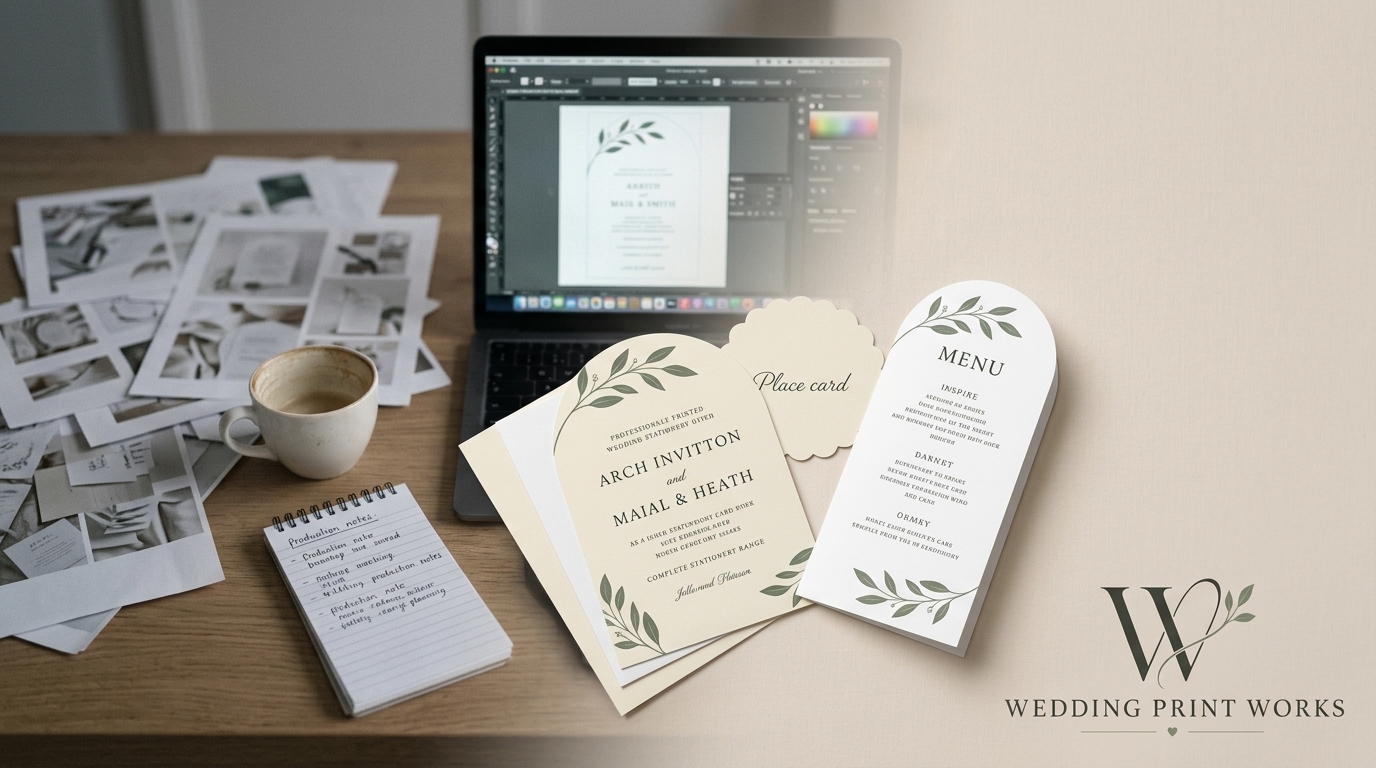
Designing wedding stationery is the creative part of the job. Producing it can be a very different challenge. A design might call for a particular paper, an unusual shape or professional finishing that simply isn’t practical to produce with the equipment you have available.
That doesn’t mean you need to change the design — or invest in more equipment. By working with a specialist wedding stationery production partner, you can concentrate on designing and selling while the printing, cutting and finishing is handled professionally behind the scenes.
For independent designers and Etsy sellers in particular, this can be a practical way to broaden your range and increase production capacity without turning your studio into a print room.
Design what you want to sell, not what your equipment can produce
Producing stationery yourself inevitably places some restrictions on what you can offer. Your printer may only handle certain paper weights or sizes. More unusual shapes can be difficult to cut consistently by hand. Larger orders can turn processes that work perfectly well for a handful of invitations into hours of repetitive production.
The alternative is to separate design from production.
You remain responsible for the creative work, your product range, your pricing, your brand and your relationship with your customers. Your production partner provides the equipment and manufacturing expertise needed to turn your artwork into the finished product.
That gives you considerably more freedom when developing new products. Instead of asking:
“Can I make this with the equipment I own?”
you can start by asking:
“What would I like to offer my customers?”
What does a wedding stationery production partner actually do?
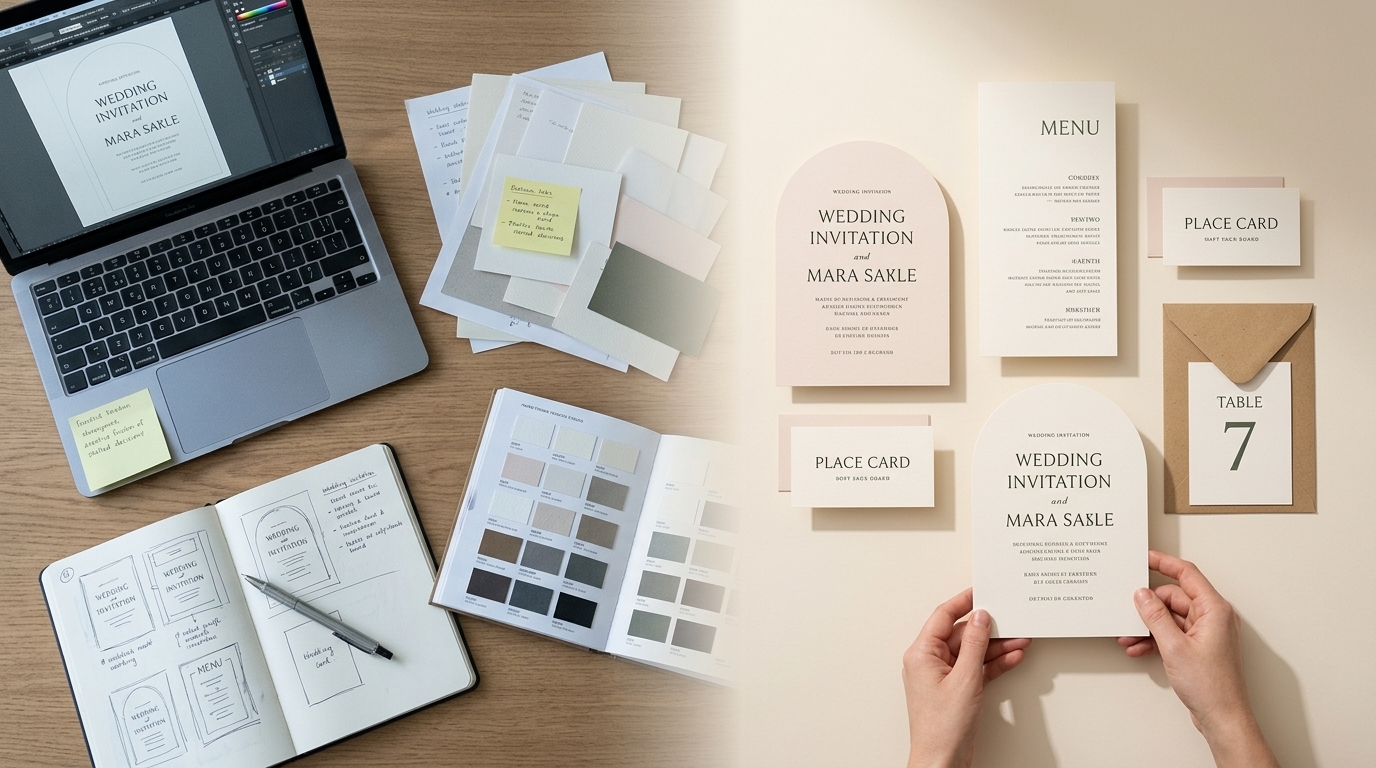
At its simplest, the relationship is straightforward: you supply the design and print-ready artwork; your production partner makes it.
Depending on the product, that can involve printing, cutting, creasing, folding and other production processes. It also gives you access to professional papers and boards without having to purchase and store numerous different stocks yourself.
For a stationery business, this means production becomes a service you can call upon when you need it rather than a capability you have to own.
White-label production keeps your brand in front
For trade customers, production should sit quietly behind your own business.
A white-label service allows stationery to be manufactured on your behalf without Wedding Print Works becoming the brand your customer sees. You continue to own the design and the customer relationship; we provide the production capability behind it.
This is particularly useful for Etsy sellers and independent designers who want to offer professionally manufactured stationery without investing in commercial printing and finishing equipment.
Professional printing opens up more material choices
Paper is an important part of a stationery design. Colour, texture, thickness and surface can substantially alter the character of the finished piece.
Outsourcing production can give you access to a broader selection of papers and boards than would be practical to keep in your own studio. It also means you don’t necessarily have to purchase large quantities of specialist stock simply to introduce another option to your range.
This gives you the opportunity to develop collections around different materials and price points while keeping your own stockholding relatively simple.
Digital cutting removes the rectangle
One of the most interesting ways to expand a stationery collection is through shape.
Traditional guillotine cutting is ideal for rectangular products, but digital cutting makes other formats possible. Arches, scalloped edges, waves and other shaped designs can turn relatively simple artwork into a much more distinctive physical product.
For a designer, the important point isn’t the cutting technology itself. It’s that you can incorporate shape into the design without having to work out how you’re going to cut every invitation yourself.
Expand your range without expanding your print room
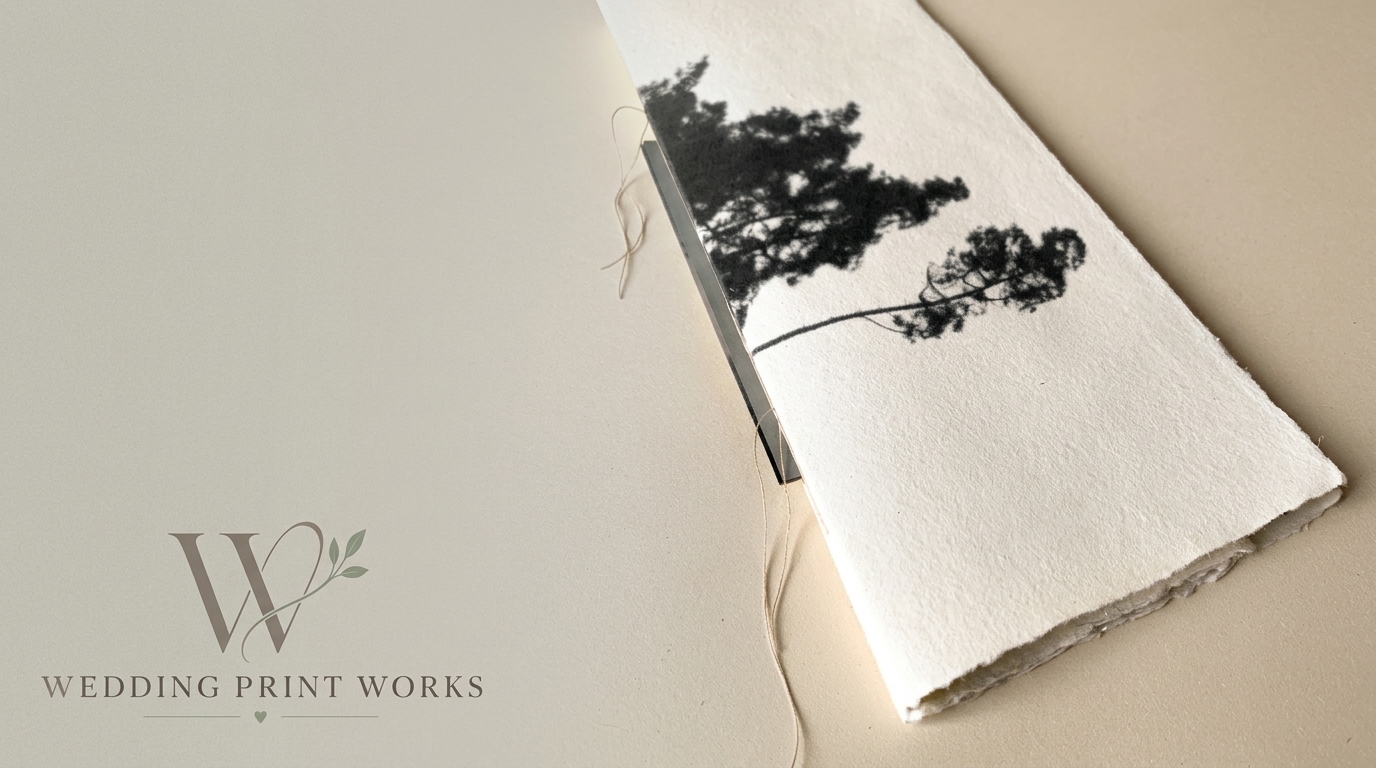
Outsourcing production isn’t simply about producing the invitations you already sell. It can allow you to offer products that previously weren’t practical.
A single wedding design, for example, could potentially become a coordinated collection including:
- save the dates
- wedding invitations
- information cards
- RSVP cards
- menus
- place cards
- table numbers
- orders of service
- thank you cards
The same design language can be carried across different sizes, papers and shapes. That allows you to increase the value of an existing design without necessarily having to create an entirely new collection.
Production can also become a scaling decision
Many stationery businesses begin by producing everything themselves, and there is nothing wrong with that. For smaller volumes, it can make perfect sense.
The difficulty often appears as the business grows.
Printing, trimming, checking, sorting and packing ten orders is one thing. Doing the same work for dozens of orders while also answering enquiries, creating new designs, managing listings and marketing the business is another.
At that point, the question isn’t necessarily whether you can continue producing everything yourself. It’s whether production is still the best use of your time.
Outsourcing some or all of the manufacturing allows you to spend more of that time on the parts of the business that only you can do: creating designs, finding customers and building your brand.
You don’t have to outsource everything
Using a trade printer doesn’t have to mean handing over your entire production process.
You might use a production partner only for particular products, specialist shapes, certain papers or larger orders. You might continue making some products yourself and outsource others. Or you might eventually move most production out of your studio.
The right approach depends on your business, order volumes and the type of stationery you sell.
The important thing is that your production capabilities no longer have to define the boundaries of your product range.
What should you look for in a wedding stationery production partner?
If another business is manufacturing products that will ultimately carry your name, print quality is only part of the equation.
It’s worth considering:
- Consistency: Can they reproduce work reliably from one order to the next?
- Paper choice: Do they offer stocks appropriate for the type of stationery you sell?
- Production capability: Can they produce the sizes, shapes and products you want to offer?
- Artwork support: Can they help identify potential production problems before something is printed?
- White-label service: Can the finished product be supplied without competing branding?
- Scalability: Can they support both small orders and increasing volumes as your business develops?
- Communication: Can you actually speak to someone who understands print when you need help?
A good trade relationship should make your business easier to operate, not introduce another layer of complexity.
Your creativity. Our production. Your brand.
Wedding Print Works is being built around a straightforward idea: wedding stationery designers shouldn’t have to become printing and finishing specialists simply to grow their businesses.
You create the designs and decide what you want to offer your customers. We provide the professional production capability to turn those designs into finished stationery.
You design it. We make it.
Discover Wedding Print Works for designers →
Frequently asked questions
What is white-label wedding stationery printing?
White-label production means another company manufactures your stationery without presenting the finished product as its own brand. For a wedding stationery designer, this allows you to outsource production while keeping your own business and brand in front of your customer.
Do I have to outsource all of my stationery production?
No. You can use a trade production partner for as much or as little of your range as makes sense. For example, you might outsource shaped stationery and larger orders while continuing to make simpler products yourself.
What is digital cutting?
Digital cutting uses computer-controlled cutting equipment to cut printed material into specified shapes. For wedding stationery this can make formats such as arches, scalloped edges and waves practical without requiring the designer to cut each item manually.
Who is trade wedding stationery printing for?
It can be useful for independent wedding stationery designers, Etsy sellers, graphic designers, calligraphers and established stationery businesses that want access to professional production without bringing every printing and finishing process in-house.
Can outsourcing production help me expand my stationery range?
Yes. Access to additional papers, production equipment and cutting capabilities can allow you to introduce products that may not be practical to manufacture with your existing equipment. It can also free up time that would otherwise be spent producing orders manually.